Suno V6 AI Music Generator
Create songs and instrumentals with Suno V6 in EaseMuse. Describe your idea, add your own lyrics, and choose a vocal or instrumental direction. Check the model options currently available in the app before creating.
Create Songs and Instrumentals with Suno V6 in EaseMuse
Start with a theme, lyrics, or a musical direction. Use the model options available in EaseMuse to develop original music, then review and refine the result through conversation.

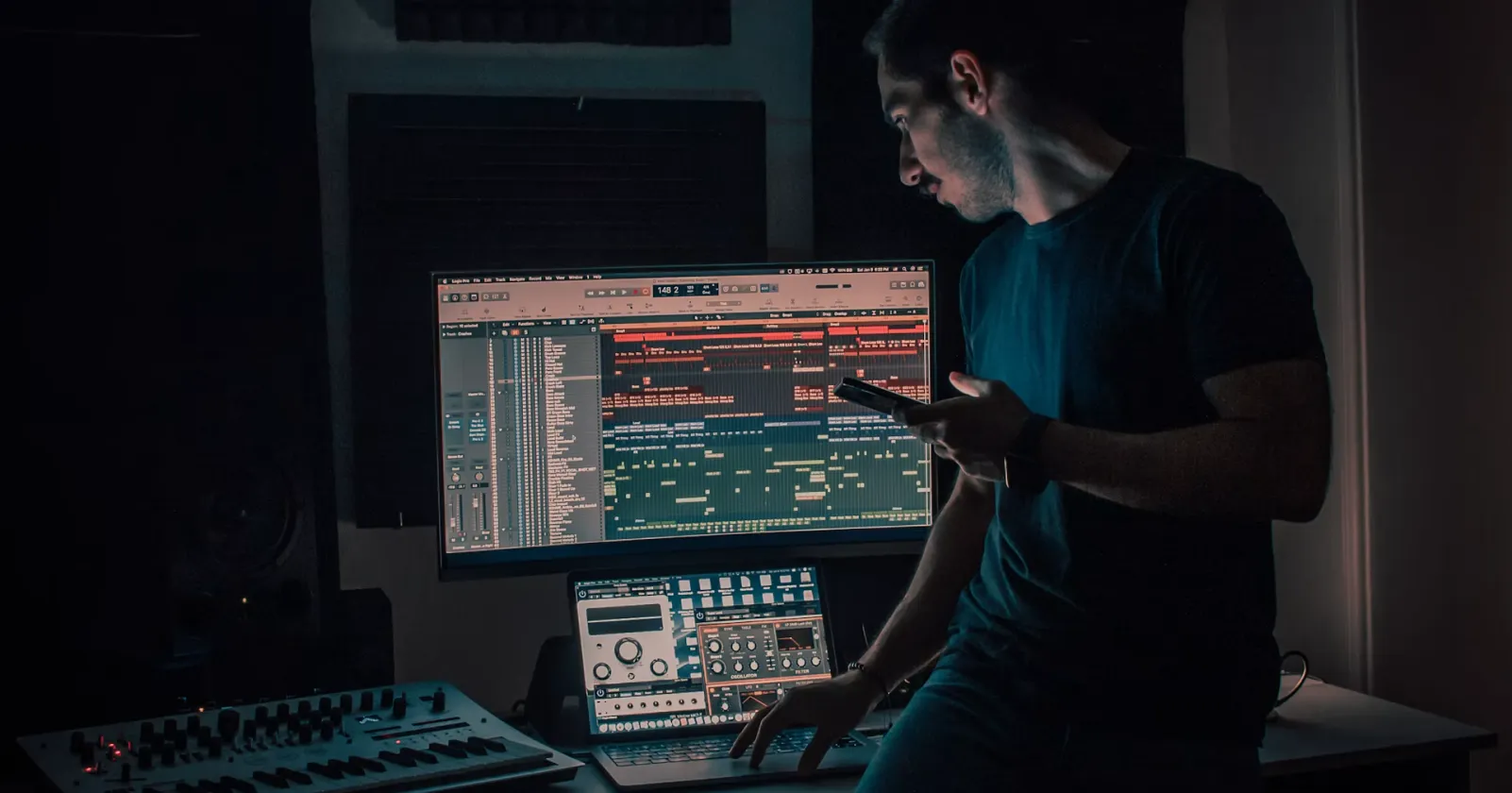


Turn a Clear Idea into an Original Song
Describe the story, language, mood, and style you want. Add a few useful details about instruments and energy so Domi can shape a focused song request.
How to make Suno V6 AI Music Generator in EaseMuse
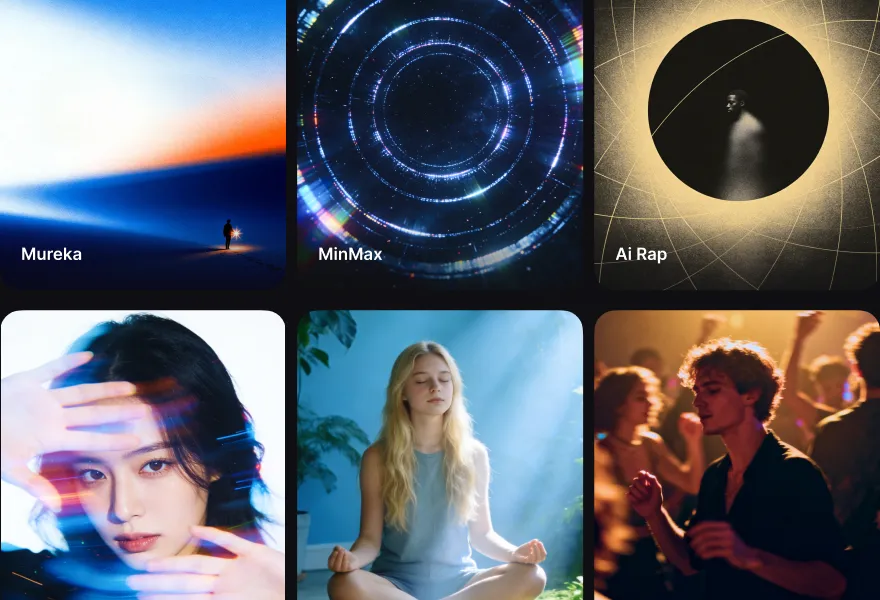
Use the quick-select tags in the Suno V6 AI Music Generator chat box to define the basic elements of your track, such as the mood, genre, or instruments (e.g., Peaceful, Nature Sound, etc.).
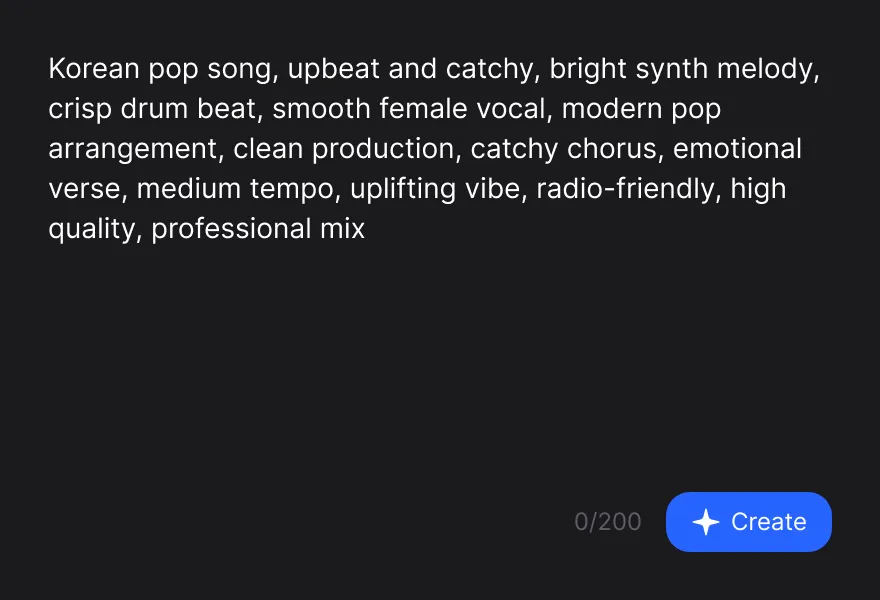
In the Suno V6 AI Music Generator text box, simply type what you want your song to be about using everyday language. You can describe a feeling, a specific scenario, or a detailed musical style.
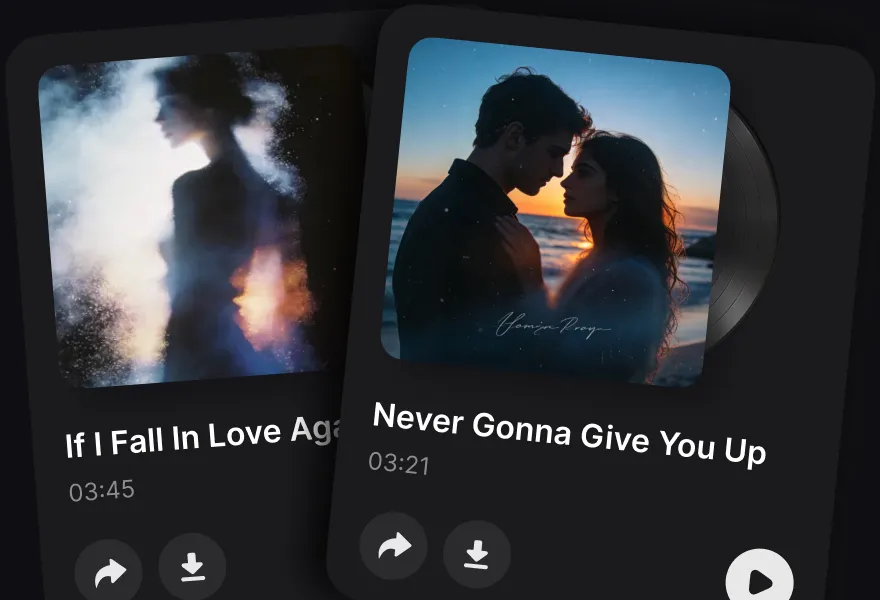
Click the send icon and let our AI work its magic. Within seconds, EaseMuse will generate high-quality, royalty-free music tracks tailored to your prompt. Just hit play!
Mind blowing song quality
Whether you have a melody in your head, lyrics you've written, or just a feeling you want to hear—EaseMuse makes high-quality music creation accessible to all
FAQ on AI Music Generator
- 1. What is the Suno V6 scene in EaseMuse?
- This EaseMuse scene is designed for creating songs and instrumentals with the Suno V6 workflow. Check the model choices currently available in the app; the scene name alone does not confirm that a particular model is available for every request.
- 2. How do I start creating a song?
- Describe your theme, language, mood, musical style, and whether you want vocals. You can also provide lyrics. Domi helps shape the request and uses an available music creation workflow. If a specifically requested model is unavailable, confirm a supported alternative before continuing.
- 3. Can I create vocal songs and instrumentals?
- You can request a vocal song or an instrumental. For a song, describe the theme and vocal direction or provide lyrics. For an instrumental, say that you want no singing or vocal ad-libs. Review the result and describe any changes you would like.
- 4. What music styles can I request?
- Describe the sound you want, such as upbeat pop, acoustic storytelling, electronic dance music, or a cinematic instrumental. Include a few specific details about mood, instruments, and energy rather than a long list of conflicting styles.
- 5. Can I use my own lyrics?
- Yes. Provide lyrics you are entitled to use, and say whether they should be preserved or revised. Include the desired language and style. The generated phrasing and performance may vary, so listen to the result before deciding on revisions.
- 6. Does generation use credits?
- Check the current credit requirement and your account balance in EaseMuse before generating. Pricing and availability may depend on the selected operation and current plan. This page does not promise unlimited or free generation.
- 7. Is EaseMuse the official Suno website?
- No. EaseMuse is a separate music creation product. Model choices, account access, credits, and usage are provided through the EaseMuse interface and applicable terms.