AI Instrumental Generator: Create Custom Beats & Backing Tracks
Generate professional, royalty-free backing tracks, beats, and background music in seconds with EaseMuse. No musical background or DAW knowledge required. Simply chat with our AI music producer, Domi, to bring your instrumental ideas to life!
Versatile AI Instrumental Solutions for Every Creative Need
Whether you are creating social media videos, developing games, branding a podcast, or practicing vocals, EaseMuse instantly generates the perfect instrumental track to elevate your project.



AI Video Instrumental Background Tracks
Enhance your YouTube, Instagram, or TikTok videos with tailor-made soundscapes. Chat with EaseMuse to instantly generate original instrumental background music that matches your video's pacing and narrative. Whether you need a high-energy beat for a travel vlog or a subtle ambient score for a documentary, you can create the perfect audio accompaniment in seconds.
How to make AI Instrumental Music in EaseMuse
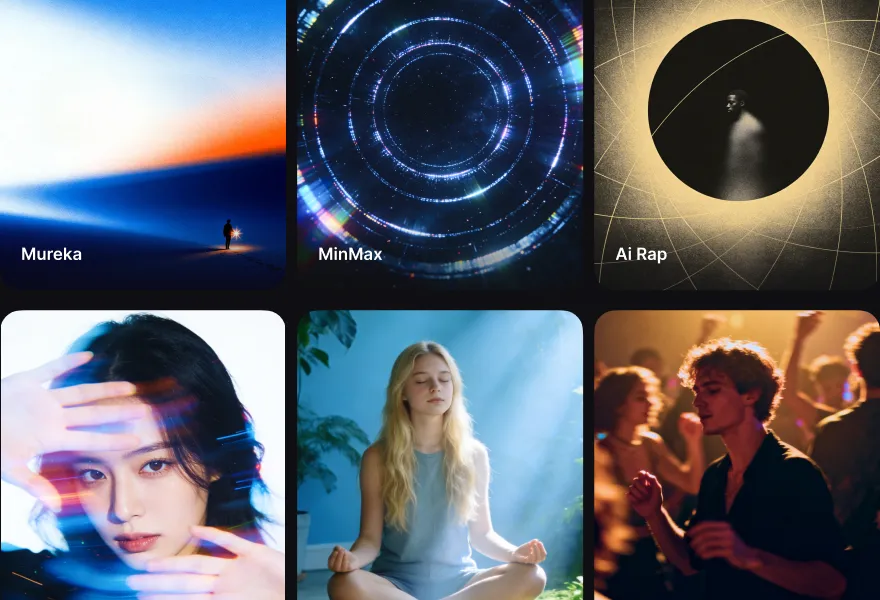
Use the quick-select tags in the AI Instrumental Music chat box to define the basic elements of your track, such as the mood, genre, or instruments (e.g., Peaceful, Nature Sound, etc.).
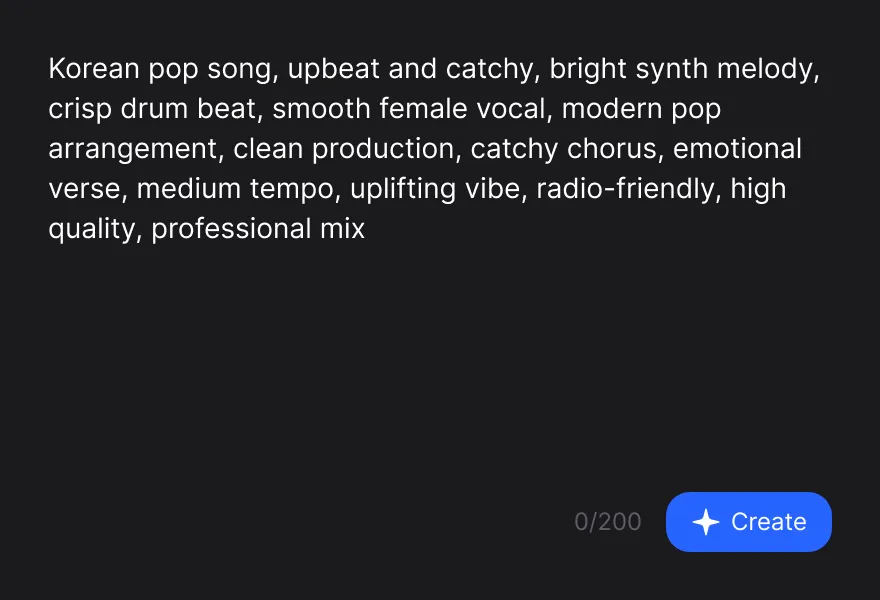
In the AI Instrumental Music text box, simply type what you want your song to be about using everyday language. You can describe a feeling, a specific scenario, or a detailed musical style.
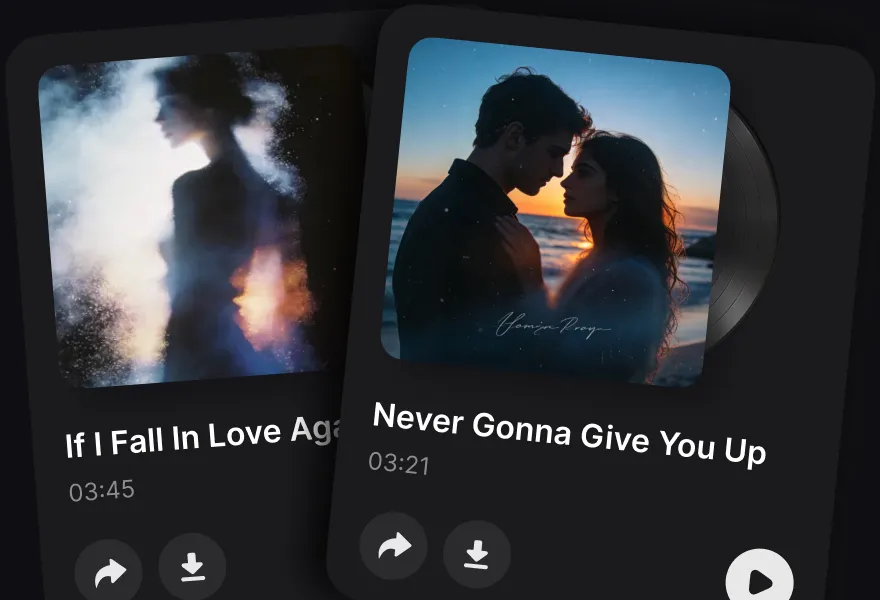
Click the send icon and let our AI work its magic. Within seconds, EaseMuse will generate high-quality, royalty-free music tracks tailored to your prompt. Just hit play!
Mind blowing song quality
Whether you have a melody in your head, lyrics you've written, or just a feeling you want to hear—EaseMuse makes high-quality music creation accessible to all
FAQ on AI Music Generator
- 1. How can I generate an instrumental track using EaseMuse AI?
- Simply type a text prompt describing your desired style, instrument, or mood into the AI chatbox. Select your preferred music model and duration, then click Generate to get your custom instrumental track in seconds.
- 2. Can I create vocals-free background music with this AI instrumental generator?
- Yes, EaseMuse allows you to generate completely vocals-free music by specifying keywords like "instrumental," "backing track," or "no vocals" in your prompt, making it ideal for videos, games, and podcasts.
- 3. What genres and music styles can the AI instrumental maker produce?
- The AI supports a massive library of genres, including Lo-Fi, Hip Hop, Pop, Cinematic, Electronic, Rock, Jazz, and Phonk. You can combine these genres with different tempos and vibes to fit any creative project.
- 4. Can I download the generated AI instrumentals in high quality?
- Yes, EaseMuse supports high-quality exports in standard MP3 and lossless WAV formats. These files are fully compatible and can be dragged and dropped directly into your video editor or digital audio workstation (DAW).
- 5. Do I need any musical background to use the AI instrumental generator?
- No musical experience is required. The intuitive chat-based interface translates simple text descriptions into professional-grade music arrangements, allowing anyone to become a music creator instantly.